

41.66 SR
CorelDRAW Technical Suite 2026 (PC) (1 Device, Lifetime) - Corel Key - GLOBAL
Product details

Platform
CorelDRAW

Region
GLOBAL

Type
Key
CorelDRAW Technical Suite 2026 is a specialized, professional graphics solution designed for technical illustrators, engineers, and documentation teams. It combines precise technical drawing, advanced vector illustrat...
View full description →
1 offer available
Compare sellers, delivery times and prices.
Sort by:
Instant delivery
1 offerProduct information
Everything you need to know about this product.
Number of Devices: 1 Device
Duration: Lifetime
CorelDRAW Technical Suite 2026 is a specialized, professional graphics solution designed for technical illustrators, engineers, and documentation teams.
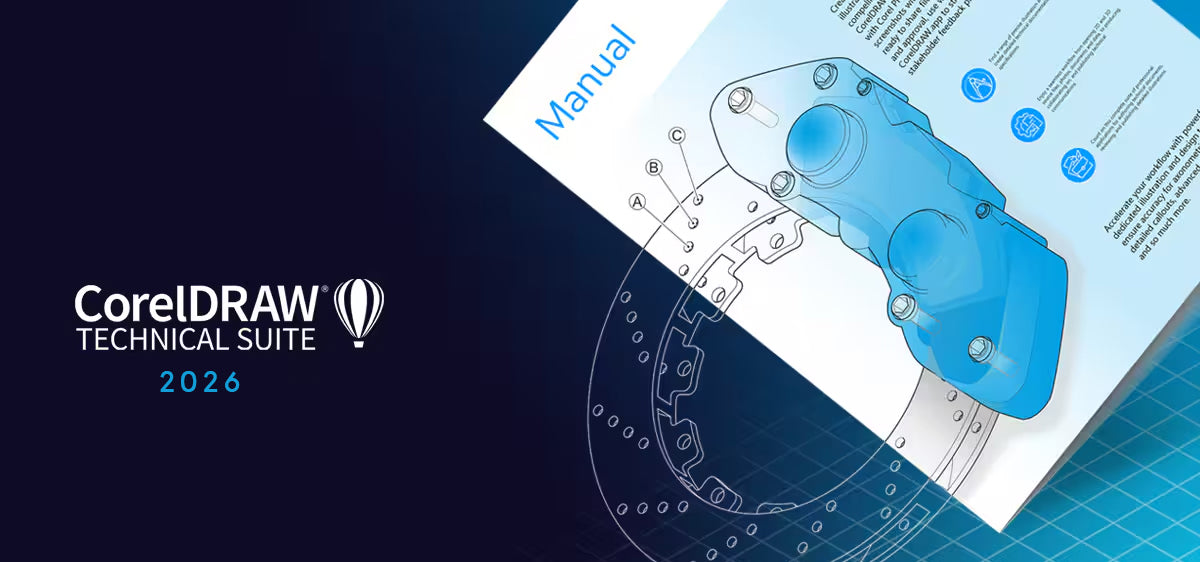
It combines precise technical drawing, advanced vector illustration, and professional page layout with tools for creating complex assembly diagrams, exploded views, parts catalogs, service manuals, and technical documentation prepared for print, web, and interactive output.
What’s Included in CorelDRAW Technical Suite 2026
- Corel DESIGNER – technical illustration and precise 2D drawing (exploded views, callouts, isometric).
- CorelDRAW – vector illustration and multi-page layout for supporting graphics and documents.
- Corel PHOTO-PAINT – photo editing and retouching for images used in technical materials.
- CorelDRAW.app (web/browser) – online viewing, review, and light editing for collaboration.
- Corel Font Manager – organization and management of fonts for documentation projects.
- CAPTURE – screen capture tool for full screens, windows, or selected areas.
- AfterShot / RAW tools – RAW photo processing for high-quality reference images.
- Technical Content Library – technical clipart, symbols, templates, fonts, and reference assets.
- 3D Import & Integration Tools – import 3D CAD data and generate 2D illustrations and exploded views.
- Cloud & Collaboration Services – cloud storage, review/approval workflows, and ongoing updates.
Key Features
Technical Illustration & Precision Drawing
- Dedicated tools for isometric, axonometric, and perspective drawings.
- Accurate dimensioning, callouts, leader lines, and annotations.
- Specialized tools for exploded views, assembly diagrams, and schematics.
- Snapping, alignment, and measurement tools tailored for engineering documentation.
Vector Illustration & Layout (Corel DESIGNER + CorelDRAW)
- Powerful vector tools for parts diagrams, flowcharts, and UI schematics.
- Multi-page layout for manuals, service guides, and parts catalogs.
- Styles, master pages, and reusable components for consistent technical branding.
- Advanced CMYK and spot-color support for high-quality print output.
AI-Assisted Tools
- AI-powered upscaling, noise reduction, and sharpening for reference images and photos.
- AI-based background removal and object selection to isolate components quickly.
- AI-enhanced bitmap-to-vector tracing, ideal for converting legacy scans and drawings into clean, editable technical vectors.
- Content-aware tools to speed up repetitive technical edits, such as cleaning diagrams or refining image references.
Photo Editing & RAW Workflow
- Non-destructive corrections for color, exposure, and contrast in technical photos.
- Retouching tools for removing distractions, adding clarity, and enhancing detail.
- RAW file support for camera images used in manuals and documentation.
CAD & 3D Data Integration (where available)
- Import of 3D CAD formats to generate 2D technical illustrations.
- Tools to create exploded views and detailed callouts directly from 3D models.
- Updating linked illustrations when source 3D data changes (depending on workflow support).
Multi-Platform & File Compatibility
- Broad compatibility with formats such as CGM, SVG, PDF, AI, PSD, EPS, PNG, JPG, TIFF for technical and general graphics.
- Integration with CAD systems, PLM/PDM workflows, and print/online publishing pipelines.
Windows
| Component | Minimal Requirements |
|---|---|
| System | 64-bit Windows 11 or Windows 10 (21H2 or later) |
| Processor | Intel Core i3, i5, i7, i9 or AMD Ryzen processors |
| Memory | 8 GB RAM (16 GB recommended) |
| Graphics | OpenCL 1.2 compatible graphics card |
| Disk Space | 5.5–9 GB available disk space |
| Other | Internet connection required for installation, authentication, and access to online components. |
Number of Devices: 1 Device
Duration: Lifetime
CorelDRAW Technical Suite 2026 is a specialized, professional graphics solution designed for technical illustrators, engineers, and documentation teams.
It combines precise technical drawing, advanced vector illustration, and professional page layout with tools for creating complex assembly diagrams, exploded views, parts catalogs, service manuals, and technical documentation prepared for print, web, and interactive output.
What’s Included in CorelDRAW Technical Suite 2026
- Corel DESIGNER – technical illustration and precise 2D drawing (exploded views, callouts, isometric).
- CorelDRAW – vector illustration and multi-page layout for supporting graphics and documents.
- Corel PHOTO-PAINT – photo editing and retouching for images used in technical materials.
- CorelDRAW.app (web/browser) – online viewing, review, and light editing for collaboration.
- Corel Font Manager – organization and management of fonts for documentation projects.
- CAPTURE – screen capture tool for full screens, windows, or selected areas.
- AfterShot / RAW tools – RAW photo processing for high-quality reference images.
- Technical Content Library – technical clipart, symbols, templates, fonts, and reference assets.
- 3D Import & Integration Tools – import 3D CAD data and generate 2D illustrations and exploded views.
- Cloud & Collaboration Services – cloud storage, review/approval workflows, and ongoing updates.
Key Features
Technical Illustration & Precision Drawing
- Dedicated tools for isometric, axonometric, and perspective drawings.
- Accurate dimensioning, callouts, leader lines, and annotations.
- Specialized tools for exploded views, assembly diagrams, and schematics.
- Snapping, alignment, and measurement tools tailored for engineering documentation.
Vector Illustration & Layout (Corel DESIGNER + CorelDRAW)
- Powerful vector tools for parts diagrams, flowcharts, and UI schematics.
- Multi-page layout for manuals, service guides, and parts catalogs.
- Styles, master pages, and reusable components for consistent technical branding.
- Advanced CMYK and spot-color support for high-quality print output.
AI-Assisted Tools
- AI-powered upscaling, noise reduction, and sharpening for reference images and photos.
- AI-based background removal and object selection to isolate components quickly.
- AI-enhanced bitmap-to-vector tracing, ideal for converting legacy scans and drawings into clean, editable technical vectors.
- Content-aware tools to speed up repetitive technical edits, such as cleaning diagrams or refining image references.
Photo Editing & RAW Workflow
- Non-destructive corrections for color, exposure, and contrast in technical photos.
- Retouching tools for removing distractions, adding clarity, and enhancing detail.
- RAW file support for camera images used in manuals and documentation.
CAD & 3D Data Integration (where available)
- Import of 3D CAD formats to generate 2D technical illustrations.
- Tools to create exploded views and detailed callouts directly from 3D models.
- Updating linked illustrations when source 3D data changes (depending on workflow support).
Multi-Platform & File Compatibility
- Broad compatibility with formats such as CGM, SVG, PDF, AI, PSD, EPS, PNG, JPG, TIFF for technical and general graphics.
- Integration with CAD systems, PLM/PDM workflows, and print/online publishing pipelines.
Windows
| Component | Minimal Requirements |
|---|---|
| System | 64-bit Windows 11 or Windows 10 (21H2 or later) |
| Processor | Intel Core i3, i5, i7, i9 or AMD Ryzen processors |
| Memory | 8 GB RAM (16 GB recommended) |
| Graphics | OpenCL 1.2 compatible graphics card |
| Disk Space | 5.5–9 GB available disk space |
| Other | Internet connection required for installation, authentication, and access to online components. |
Customer reviews
Why
DGSKA?
DGSKA?
Curated digital products
Carefully selected products from verified sellers
Protected payments
Secure checkout with trusted payment methods
Trusted sellers
Seller profiles with feedback and verification
Marketplace support
Clear order details and seller-based purchasing
Added to cart