

5.67 SR
CorelDRAW Technical Suite 2024 (PC) (1 Device, Lifetime) - Corel Key - GLOBAL
Product details

Platform
CorelDRAW

Region
GLOBAL

Type
Key
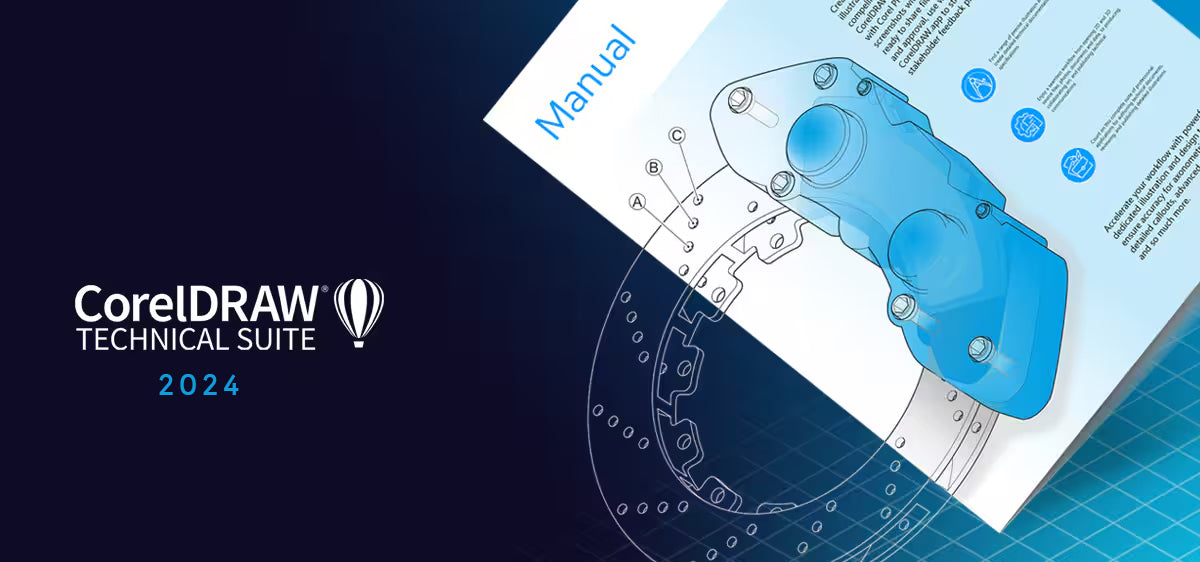
CorelDRAW Technical Suite 2024 is a comprehensive collection of applications designed for high-impact technical design and documentation. It provides precise illustration and design tools, allowing users to create det...
View full description →
1 offer available
Compare sellers, delivery times and prices.
Sort by:
Instant delivery
1 offerProduct information
Everything you need to know about this product.
Number of Devices: 1 Device
Duration: Lifetime
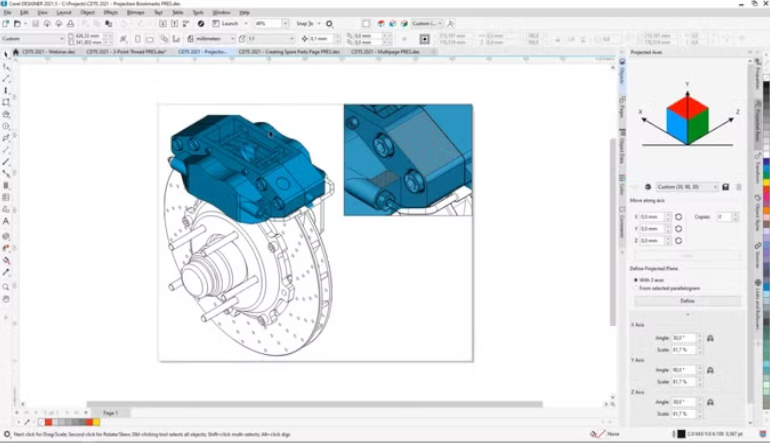
CorelDRAW Technical Suite 2024 is a comprehensive collection of applications designed for high-impact technical design and documentation. It provides precise illustration and design tools, allowing users to create detailed technical documents while adhering to industry standards and file formats. If you're interested, you can find more information or purchase a global software license.
- Download and Install: First, download and install the software from the official Corel website.
- License Key Activation:
- After installation, launch the application.
- Select “I have a license key.”
- If you already have a registered account, log in.
- Activate the received license key.
- If you don’t have an account, create one on the Corel website.
Number of Devices: 1 Device
Duration: Lifetime
CorelDRAW Technical Suite 2024 is a comprehensive collection of applications designed for high-impact technical design and documentation. It provides precise illustration and design tools, allowing users to create detailed technical documents while adhering to industry standards and file formats. If you're interested, you can find more information or purchase a global software license.
- Download and Install: First, download and install the software from the official Corel website.
- License Key Activation:
- After installation, launch the application.
- Select “I have a license key.”
- If you already have a registered account, log in.
- Activate the received license key.
- If you don’t have an account, create one on the Corel website.
Customer reviews
Why
DGSKA?
DGSKA?
Curated digital products
Carefully selected products from verified sellers
Protected payments
Secure checkout with trusted payment methods
Trusted sellers
Seller profiles with feedback and verification
Marketplace support
Clear order details and seller-based purchasing
Added to cart