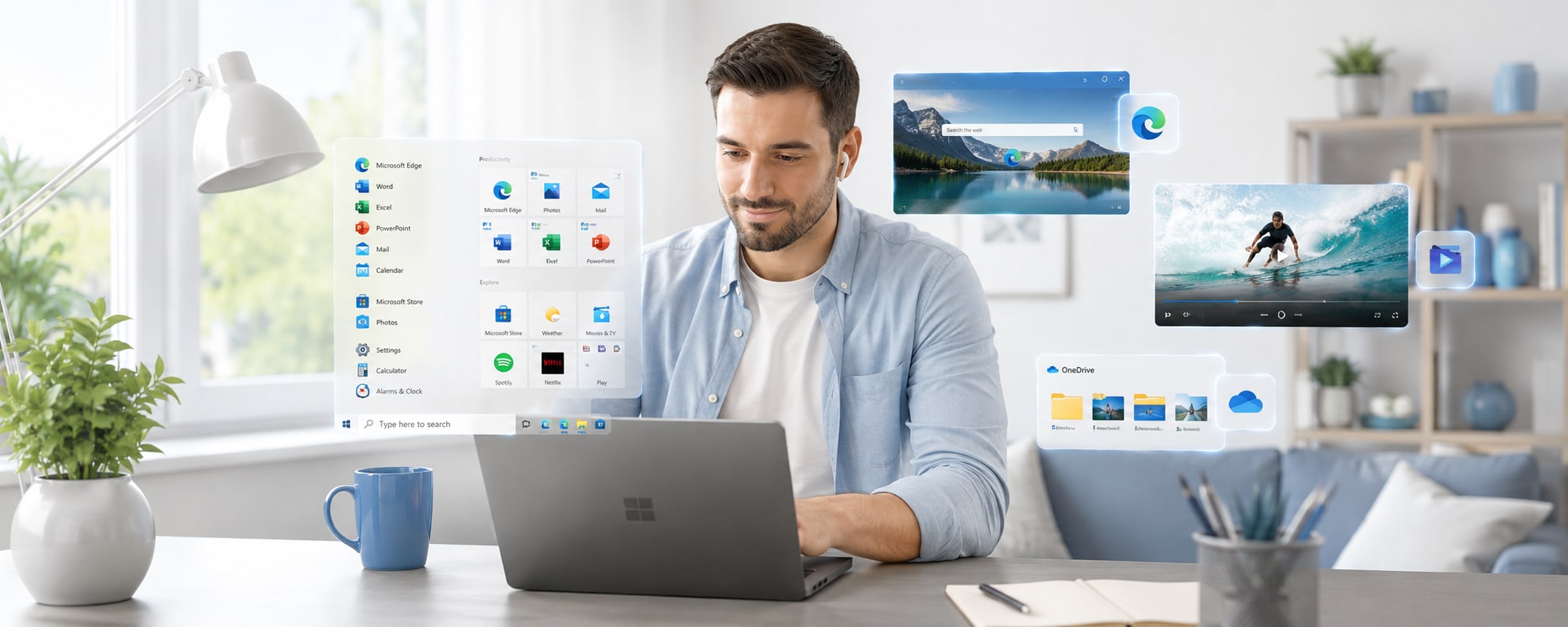
Microsoft Windows 10 Pro - Microsoft Key - GLOBAL
Product details
1 offer available
Compare sellers, delivery times and prices.
Instant delivery
1 offer
This offer contains license code for Windows 10 operating system, for full specification and functionality list please visit this website.
This product cannot be used to upgrade your system from other version.
Pro includes:
- Advanced security and encryption
- Business and work features
- Data protection (WIP)
- Ideal for work and multitasking
Product information
Everything you need to know about this product.
Details
Windows 10 is a Microsoft operating system for PCs and laptops, offering a familiar desktop experience, broad app compatibility, built-in security tools, and practical features for everyday work, study, and entertainment.
Windows 10 Key Features
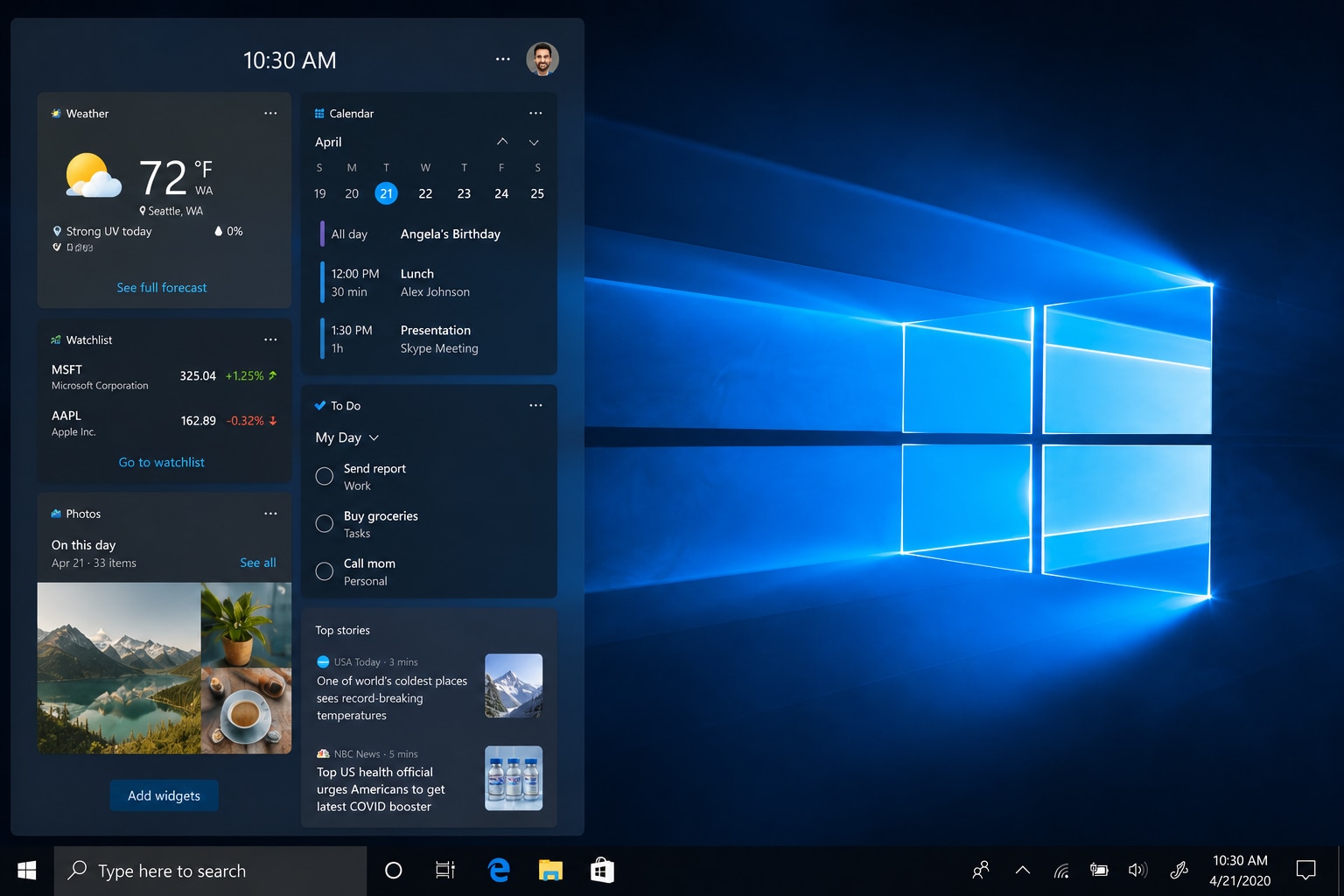
- Familiar desktop interface with Start menu, taskbar, and classic Windows navigation.
- Compatible with a wide range of Windows applications, games, programs, and accessories.
- Built-in Windows Security app with tools such as Microsoft Defender Antivirus and Windows Firewall.
- Multitasking support with virtual desktops, task switching, and window management features.
- Microsoft Edge browser support for everyday web browsing and online services.
- Access to Microsoft Store apps, entertainment, and productivity tools.
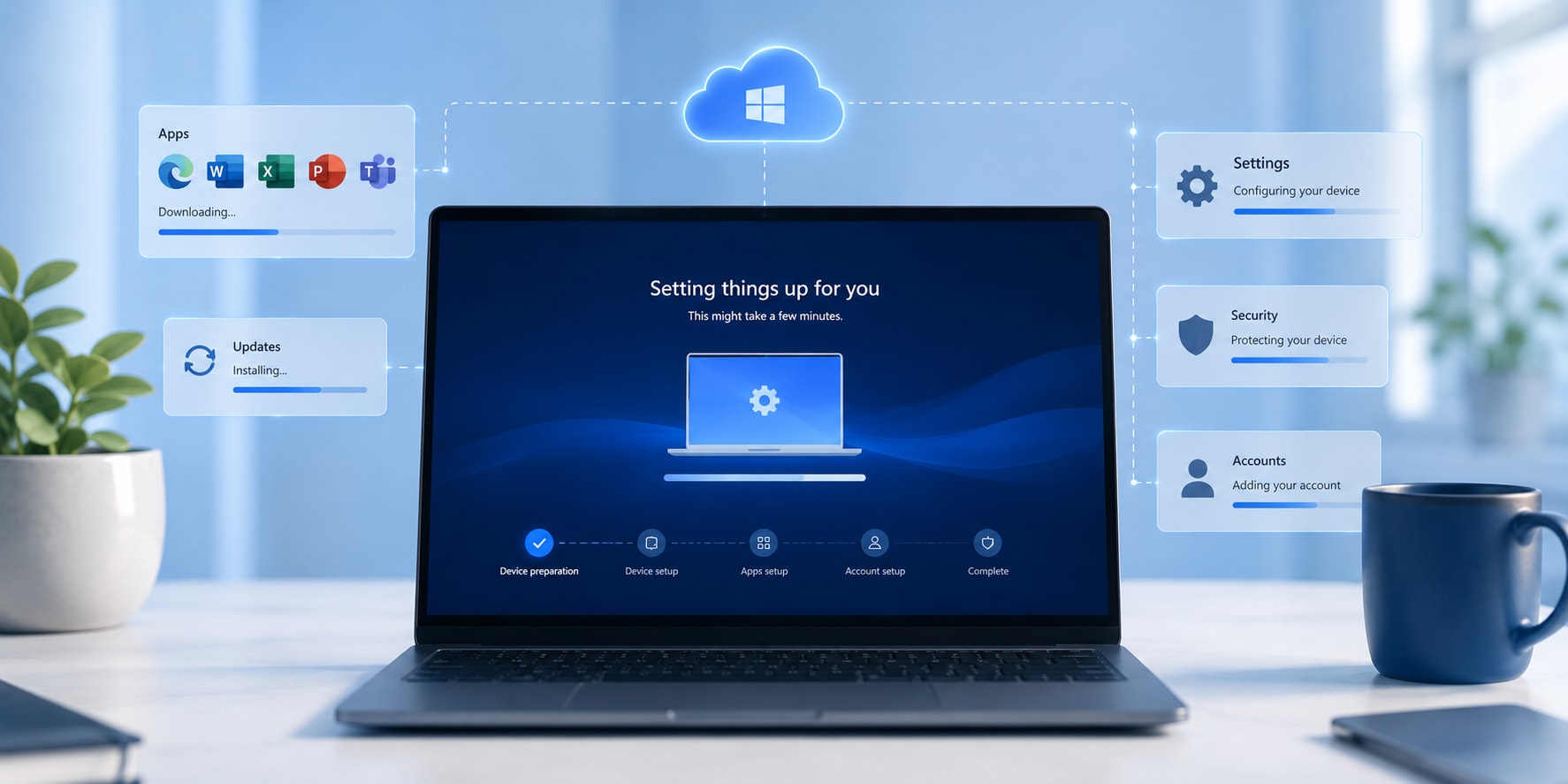
- Support for eligible system updates, device settings, and account management features.
Familiar System for Everyday Computer Use
Windows 10 provides a practical and easy-to-use environment for daily PC tasks. Users can browse the internet, managefiles, use office software, watch media, play games, and work with familiar Windows tools. Its Start menu, desktoplayout, and taskbar make it simple to find applications, switch between programs, and organize work.
Productivity and Multitasking Made Simple
Windows 10 is designed for users who need a reliable operating system for work, education, communication, andentertainment. Features such as virtual desktops, quick search, file management, and window snapping help users keepmultiple tasks organized, whether they are working on documents, joining online meetings, browsing the web, or usingcreative software.
Built-in Security and System Tools
Windows 10 includes integrated security and system management features that help users protect their device and data.Tools such as Windows Security, Microsoft Defender Antivirus, and Windows Firewall provide built-in protectionoptions. Please note that Microsoft ended standard support for Windows 10 on October 14, 2025, so users should checkcurrent update availability and device requirements before purchase.
Who will like Windows 10
- Users who prefer the familiar Windows desktop experience
- Home users who need a system for browsing, documents, media, and daily tasks
- Students looking for a practical operating system for study and online learning
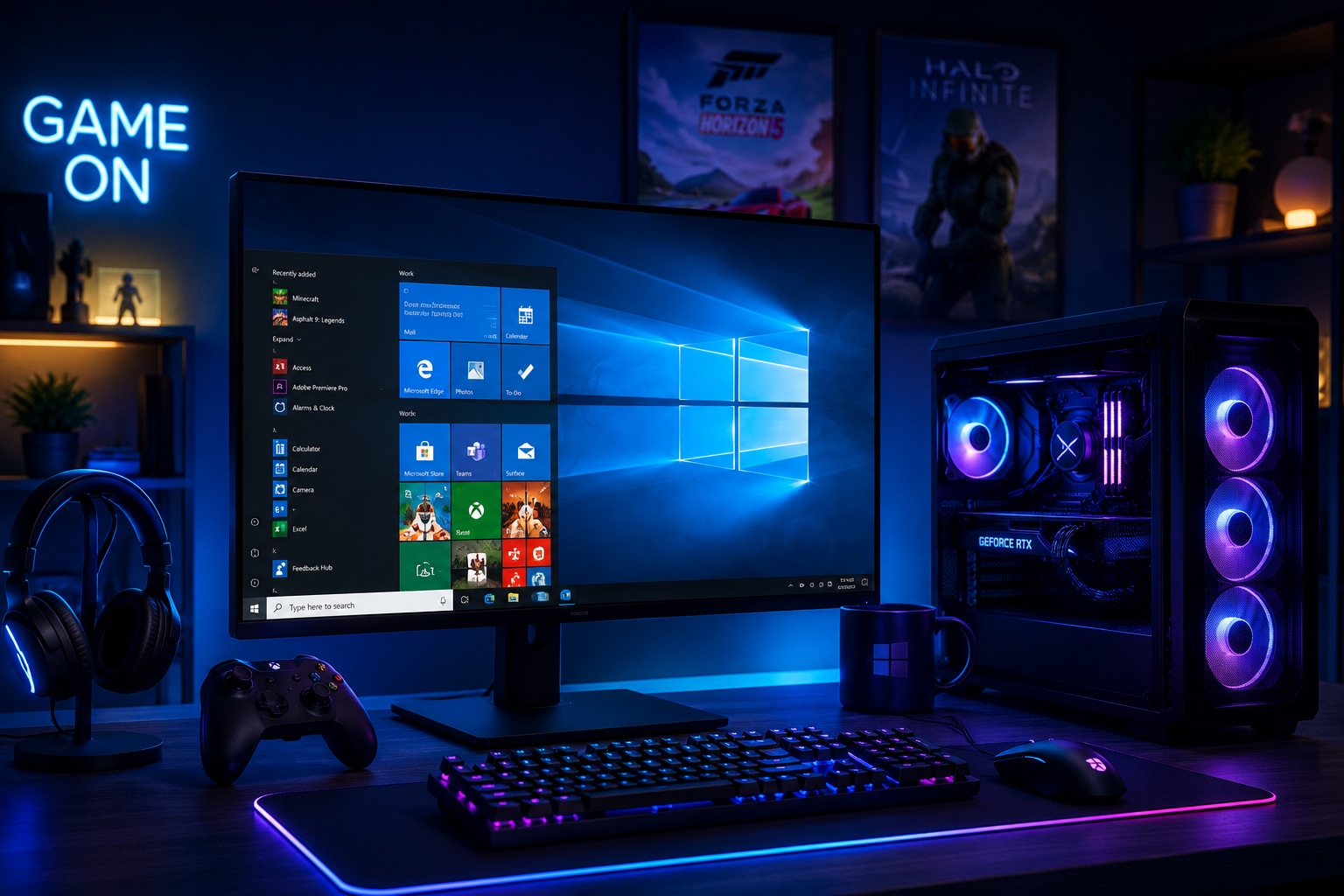
- PC gamers using games and hardware compatible with Windows 10
- Professionals who rely on Windows-based productivity software
- Users with compatible older PCs that may not meet Windows 11 requirements
- Businesses or individuals working with software already tested for Windows 10
| Component | Minimal Requirements | Recommended Requirements |
|---|---|---|
| Processor | 1 GHz or faster, or a System on a Chip (SoC) | Multicore processor (2 GHz or faster) |
| Memory | 1 GB (32-bit) or 2 GB (64-bit) | 4 GB minimum (8 GB recommended for multitasking) |
| Graphics | DirectX 9 or later with a WDDM 1.0 driver | Dedicated graphics card for gaming or video editing |
| Disk Space | At least 32 GB of free disk space | SSD with at least 128 GB capacity |
| Other | Architecture: 64-bit or 32-bit (choice available during installation) | Architecture: 64-bit or 32-bit (choice available during installation) |
When Did Windows 10 Come Out?
Windows 10 was released to manufacturing on July 15, 2015, and became generally available on July 29, 2015 — offered as a free upgrade to users of Windows 7, 8, and 8.1.
How Big Is Windows 10?
Starting with the May 2019 Update, Microsoft officially increased the minimum storage requirement for Windows 10 clean installs and new PCs to 32 GB — set to leave space for users to install apps and keep data on the device.
In practice, a fresh installation typically consumes about 15–20 GB, but planning for at least 64 GB is recommended for basic functionality, and 120–256 GB is ideal for a seamless 2026 experience. The ISO download file is approximately 4.5–5.5 GB.
What Is Windows 10?
Windows 10 is a personal computer operating system developed by Microsoft. Released on July 29, 2015, it is the successor to Windows 8.1 and was the world's most widely used desktop OS until Windows 11 overtook it in June 2025. It reached end of mainstream support on October 14, 2025.
Windows 10 Home vs. Pro?
Both editions use the same Start menu, desktop interface, taskbar, File Explorer, and built-in apps — meaning for everyday tasks like browsing, managing files, streaming, editing documents, or video calls, Home and Pro behave almost identically.
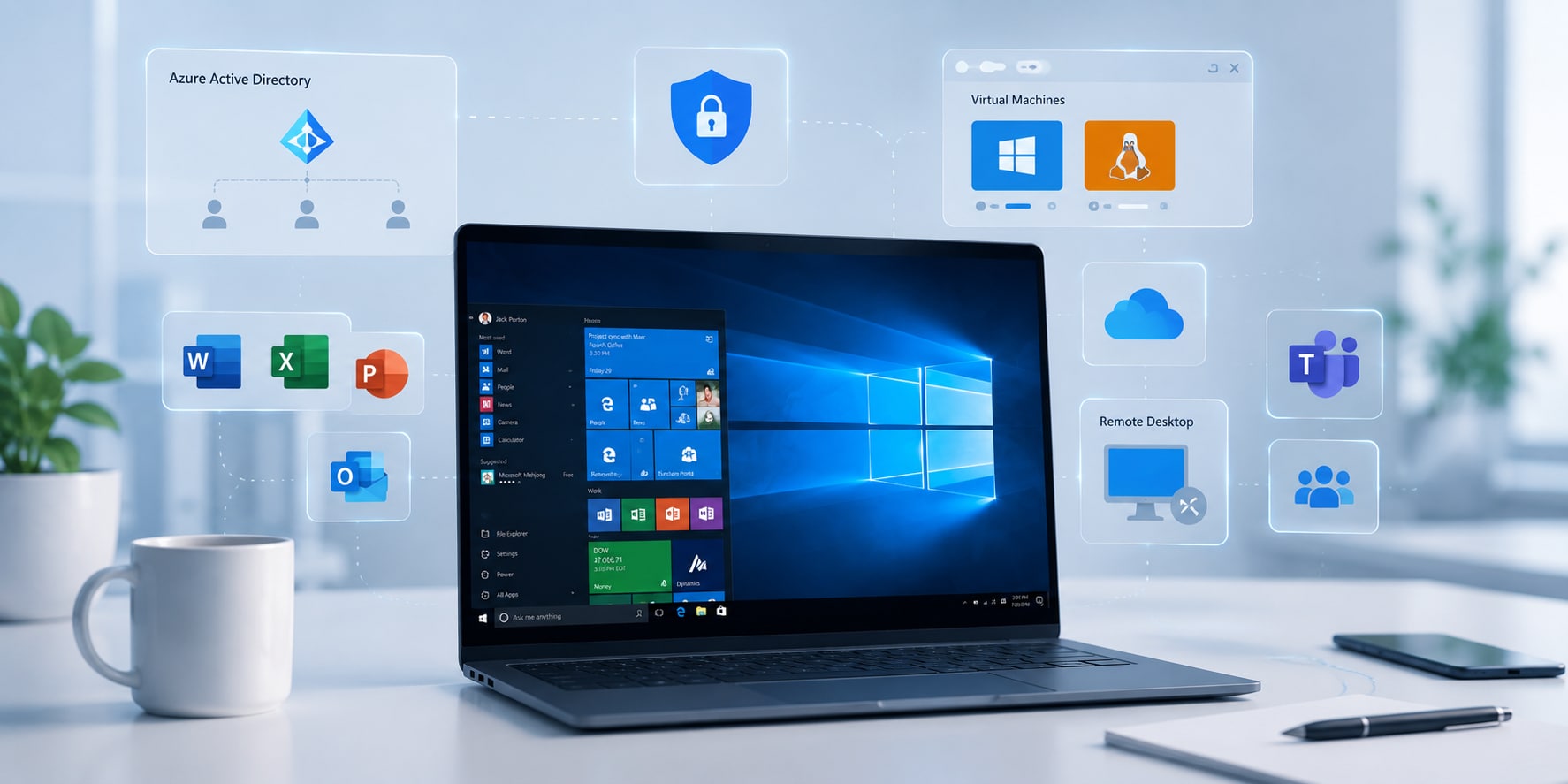
The key Pro exclusives: BitLocker disk encryption, Remote Desktop hosting, Group Policy access, and domain join capabilities — none of which Windows 10 Home includes. Windows 10 Pro is worth choosing if you need business-focused tools like BitLocker, Remote Desktop hosting, Hyper-V, Group Policy, or domain and Azure AD support.
Where do Windows 10 keys on DGSKA come from?
All keys available on the DGSKA Marketplace are sourced exclusively from business-verified sellers. This ensures a secure and reliable marketplace where buyers can trust the authenticity of the digital items they purchase.
Unlike traditional marketplaces, DGSKA does not support individual or non-business sellers, further enhancing security and trust.
Is it safe to buy a Windows 10 key on DGSKA?
Yes. DGSKA Marketplace utilizes a combination of secure payment methods, AI-powered account protection tools, human screening by our experts, complex anti-fraud systems, and thorough seller verification procedures to ensure a safe and secure shopping experience.
How do I verify a seller's reliability on DGSKA?
All sellers on DGSKA are verified before they can start selling and reviewed regularly by our team to ensure their businesses meet our requirements.
This means that you can expect top customer support on our marketplace. Every seller here is happy to help you if there are any issues.
Sellers who offer exceptional customer service earn their Excellent Seller badge. You can find it on their store page.
Can I get a refund for a Windows 10 key or account on DGSKA?
Each seller offers different refund terms and conditions. You can check them on the seller’s store page.
If you have questions, you can contact the seller directly. Visit their store page and use the "Contact seller" button to write them a message.
Are there hidden fees when buying Windows 10 on DGSKA?
Depending on the payment method you choose for your purchase, additional fees may be applied during checkout. However, there are no hidden charges and the total amount displayed at the end of the payment process is final.
Details
Windows 10 is a Microsoft operating system for PCs and laptops, offering a familiar desktop experience, broad app compatibility, built-in security tools, and practical features for everyday work, study, and entertainment.
Windows 10 Key Features
- Familiar desktop interface with Start menu, taskbar, and classic Windows navigation.
- Compatible with a wide range of Windows applications, games, programs, and accessories.
- Built-in Windows Security app with tools such as Microsoft Defender Antivirus and Windows Firewall.
- Multitasking support with virtual desktops, task switching, and window management features.
- Microsoft Edge browser support for everyday web browsing and online services.
- Access to Microsoft Store apps, entertainment, and productivity tools.
- Support for eligible system updates, device settings, and account management features.
Familiar System for Everyday Computer Use
Windows 10 provides a practical and easy-to-use environment for daily PC tasks. Users can browse the internet, managefiles, use office software, watch media, play games, and work with familiar Windows tools. Its Start menu, desktoplayout, and taskbar make it simple to find applications, switch between programs, and organize work.
Productivity and Multitasking Made Simple
Windows 10 is designed for users who need a reliable operating system for work, education, communication, andentertainment. Features such as virtual desktops, quick search, file management, and window snapping help users keepmultiple tasks organized, whether they are working on documents, joining online meetings, browsing the web, or usingcreative software.
Built-in Security and System Tools
Windows 10 includes integrated security and system management features that help users protect their device and data.Tools such as Windows Security, Microsoft Defender Antivirus, and Windows Firewall provide built-in protectionoptions. Please note that Microsoft ended standard support for Windows 10 on October 14, 2025, so users should checkcurrent update availability and device requirements before purchase.
Who will like Windows 10
- Users who prefer the familiar Windows desktop experience
- Home users who need a system for browsing, documents, media, and daily tasks
- Students looking for a practical operating system for study and online learning
- PC gamers using games and hardware compatible with Windows 10
- Professionals who rely on Windows-based productivity software
- Users with compatible older PCs that may not meet Windows 11 requirements
- Businesses or individuals working with software already tested for Windows 10
| Component | Minimal Requirements | Recommended Requirements |
|---|---|---|
| Processor | 1 GHz or faster, or a System on a Chip (SoC) | Multicore processor (2 GHz or faster) |
| Memory | 1 GB (32-bit) or 2 GB (64-bit) | 4 GB minimum (8 GB recommended for multitasking) |
| Graphics | DirectX 9 or later with a WDDM 1.0 driver | Dedicated graphics card for gaming or video editing |
| Disk Space | At least 32 GB of free disk space | SSD with at least 128 GB capacity |
| Other | Architecture: 64-bit or 32-bit (choice available during installation) | Architecture: 64-bit or 32-bit (choice available during installation) |
When Did Windows 10 Come Out?
Windows 10 was released to manufacturing on July 15, 2015, and became generally available on July 29, 2015 — offered as a free upgrade to users of Windows 7, 8, and 8.1.
How Big Is Windows 10?
Starting with the May 2019 Update, Microsoft officially increased the minimum storage requirement for Windows 10 clean installs and new PCs to 32 GB — set to leave space for users to install apps and keep data on the device.
In practice, a fresh installation typically consumes about 15–20 GB, but planning for at least 64 GB is recommended for basic functionality, and 120–256 GB is ideal for a seamless 2026 experience. The ISO download file is approximately 4.5–5.5 GB.
What Is Windows 10?
Windows 10 is a personal computer operating system developed by Microsoft. Released on July 29, 2015, it is the successor to Windows 8.1 and was the world's most widely used desktop OS until Windows 11 overtook it in June 2025. It reached end of mainstream support on October 14, 2025.
Windows 10 Home vs. Pro?
Both editions use the same Start menu, desktop interface, taskbar, File Explorer, and built-in apps — meaning for everyday tasks like browsing, managing files, streaming, editing documents, or video calls, Home and Pro behave almost identically.
The key Pro exclusives: BitLocker disk encryption, Remote Desktop hosting, Group Policy access, and domain join capabilities — none of which Windows 10 Home includes. Windows 10 Pro is worth choosing if you need business-focused tools like BitLocker, Remote Desktop hosting, Hyper-V, Group Policy, or domain and Azure AD support.
Where do Windows 10 keys on DGSKA come from?
All keys available on the DGSKA Marketplace are sourced exclusively from business-verified sellers. This ensures a secure and reliable marketplace where buyers can trust the authenticity of the digital items they purchase.
Unlike traditional marketplaces, DGSKA does not support individual or non-business sellers, further enhancing security and trust.
Is it safe to buy a Windows 10 key on DGSKA?
Yes. DGSKA Marketplace utilizes a combination of secure payment methods, AI-powered account protection tools, human screening by our experts, complex anti-fraud systems, and thorough seller verification procedures to ensure a safe and secure shopping experience.
How do I verify a seller's reliability on DGSKA?
All sellers on DGSKA are verified before they can start selling and reviewed regularly by our team to ensure their businesses meet our requirements.
This means that you can expect top customer support on our marketplace. Every seller here is happy to help you if there are any issues.
Sellers who offer exceptional customer service earn their Excellent Seller badge. You can find it on their store page.
Can I get a refund for a Windows 10 key or account on DGSKA?
Each seller offers different refund terms and conditions. You can check them on the seller’s store page.
If you have questions, you can contact the seller directly. Visit their store page and use the "Contact seller" button to write them a message.
Are there hidden fees when buying Windows 10 on DGSKA?
Depending on the payment method you choose for your purchase, additional fees may be applied during checkout. However, there are no hidden charges and the total amount displayed at the end of the payment process is final.
Customer reviews
DGSKA?
Curated digital products
Carefully selected products from verified sellers
Protected payments
Secure checkout with trusted payment methods
Trusted sellers
Seller profiles with feedback and verification
Marketplace support
Clear order details and seller-based purchasing