

250.26 SR
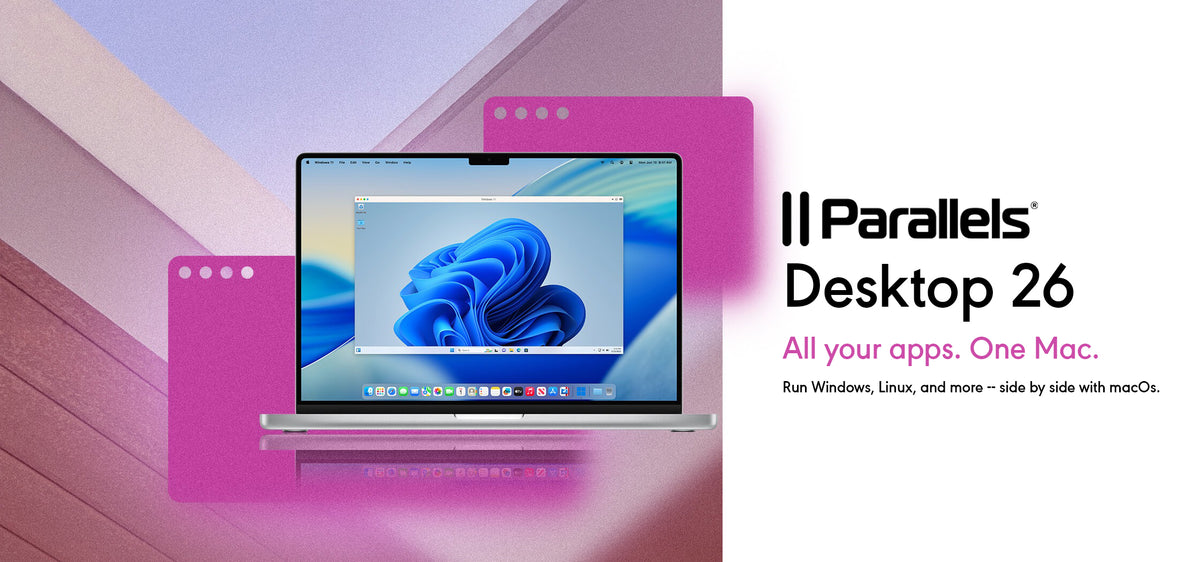
Parallels Desktop 26 | Standard (MAC) (1 Device, 1 Year) - Parallels Key - GLOBAL
Product details

Platform
Parallels

Region
GLOBAL

Type
Key
Parallels Desktop 26 offers powerful new features and optimizations for both individual users and IT teams, designed to keep your Mac ready for the latest macOS and Windows updates. Fully optimized for macOS Tahoe 26 ...
View full description →
1 offer available
Compare sellers, delivery times and prices.
Sort by:
Instant delivery
1 offerProduct information
Everything you need to know about this product.
Number of Devices: 1 Device
Duration: 1 Year
Parallels Desktop 26 offers powerful new features and optimizations for both individual users and IT teams, designed to keep your Mac ready for the latest macOS and Windows updates. Fully optimized for macOS Tahoe 26 and Windows 11 25H2, it provides seamless virtualization with enhanced disk space visibility for Windows VMs and compatibility with background process changes in macOS. For businesses, it introduces renewed SOC 2 Type II compliance, Jamf integration for managing updates, and enhanced granular VM security controls. Additional features include multiple golden images for custom VM setups, USB passthrough for Apple Silicon, and a streamlined versioning system for easier updates.
Key Features:
- Optimized for macOS Tahoe 26 and Windows 11 25H2
- Improved disk space visibility for Windows VMs
- SOC 2 Type II compliance for enterprise security
- New Jamf integration for update management
- Multiple golden images for customized VM deployments
- USB passthrough for Apple Silicon Macs
- Simplified versioning scheme for easier tracking of updates
How to activate:
- Install Parallels Desktop 26: First, ensure that you have installed Parallels Desktop 20 on your Mac.
- Open Parallels Desktop: Launch the application. If this is your first time opening it, you will be prompted to activate it.
- Sign In to Your Parallels Account:
- Enter Your Product Activation Key:
- Activate the Software:
- Enter your Product Activation Key in the provided field and click "Activate".
- If you have an upgrade license, you will need to enter both the upgrade key and a key from a previous version.
- Complete Activation: Once the activation is successful, you can start using Parallels Desktop 26
Number of Devices: 1 Device
Duration: 1 Year
Parallels Desktop 26 offers powerful new features and optimizations for both individual users and IT teams, designed to keep your Mac ready for the latest macOS and Windows updates. Fully optimized for macOS Tahoe 26 and Windows 11 25H2, it provides seamless virtualization with enhanced disk space visibility for Windows VMs and compatibility with background process changes in macOS. For businesses, it introduces renewed SOC 2 Type II compliance, Jamf integration for managing updates, and enhanced granular VM security controls. Additional features include multiple golden images for custom VM setups, USB passthrough for Apple Silicon, and a streamlined versioning system for easier updates.
Key Features:
- Optimized for macOS Tahoe 26 and Windows 11 25H2
- Improved disk space visibility for Windows VMs
- SOC 2 Type II compliance for enterprise security
- New Jamf integration for update management
- Multiple golden images for customized VM deployments
- USB passthrough for Apple Silicon Macs
- Simplified versioning scheme for easier tracking of updates
How to activate:
- Install Parallels Desktop 26: First, ensure that you have installed Parallels Desktop 20 on your Mac.
- Open Parallels Desktop: Launch the application. If this is your first time opening it, you will be prompted to activate it.
- Sign In to Your Parallels Account:
- Enter Your Product Activation Key:
- Activate the Software:
- Enter your Product Activation Key in the provided field and click "Activate".
- If you have an upgrade license, you will need to enter both the upgrade key and a key from a previous version.
- Complete Activation: Once the activation is successful, you can start using Parallels Desktop 26
Customer reviews
Why
DGSKA?
DGSKA?
Curated digital products
Carefully selected products from verified sellers
Protected payments
Secure checkout with trusted payment methods
Trusted sellers
Seller profiles with feedback and verification
Marketplace support
Clear order details and seller-based purchasing
Added to cart