Microsoft 365 Education (PC, Mac) 5 Devices, 1 Year - Microsoft Account - GLOBAL
Product details
2 offers available
Compare sellers, delivery times and prices.
Instant delivery
2 offers
Warning! This item is an account NOT a digital code and it cannot be activated on an existing Microsoft account. This is a unique account for one customer only.
After completing the purchase you will receive login, password to Microsoft account and activation guide what to do to use this software.
This item can't be returned or refunded.
Product information
Everything you need to know about this product.
Details
- Number of Devices:5 Devices
- Duration:1 Year
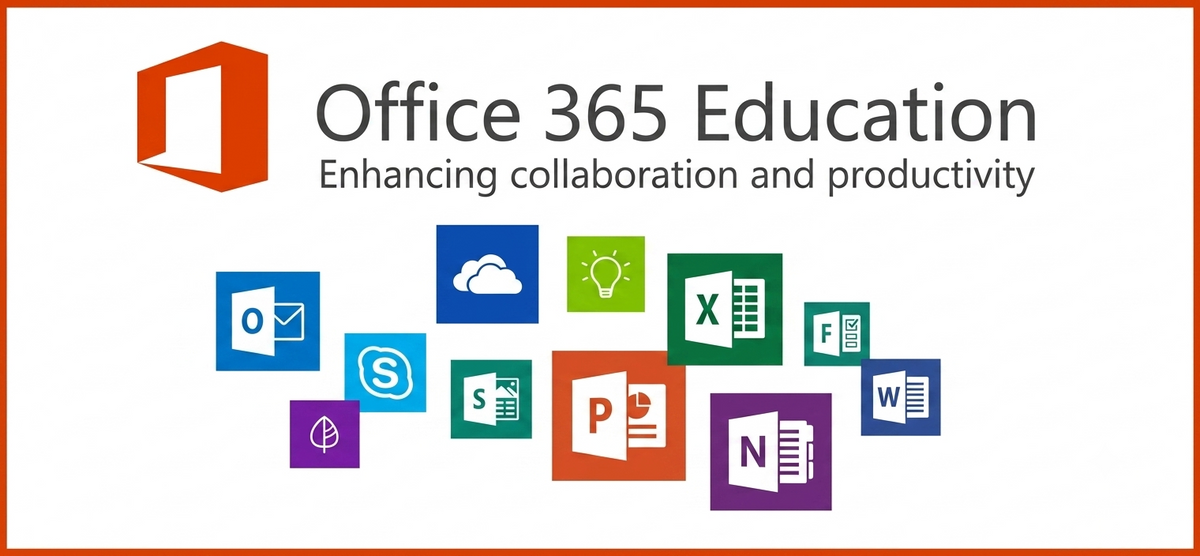
Transform learning with Microsoft 365 Education
Microsoft 365 Education offers a suite of student-centred solutions that help create an equitable learning environment for all and help students succeed in the classroom and beyond.
Discover what student-centred solutions look like:
- Accelerate learning - Help students catch up, keep up, and get ahead with Learning Accelerators. These tools create more opportunities for students to practice through immediate feedback in core subjects like reading, writing, and math. Learning Accelerators also track progress and provide actionable insights for teachers.
- Prepare for the future - Get students familiar with tools they’ll likely use for years to come, like Microsoft Word, PowerPoint, Excel, and Teams, while building future-ready skills, like problem solving and collaboration.
- Inclusively designed - Create a learning environment where everyone can fully participate with built-in, non-stigmatising tools across the Microsoft 365 Education suite. Read Aloud, Microsoft Translator, Live Captions, and Immersive Reader are just a few of the accessibility tools students and teachers can utilise.
- Secure and future-proof IT - Manage technology and maximise security from one classroom to an entire district with Microsoft 365 Education. Our cloud-based system makes monitoring threats and pushing updates seamless to maximise learning time for all.
Take Microsoft 365 with you
With Microsoft 365, everyone can work or study their way. Creating documents and collaborating with others on the go is easy on desktop or mobile—no matter what kind of device you prefer to use.
Find Microsoft 365 Education support
- Microsoft Education interactive demos. Learn more about how to use Microsoft Education tools and programs.
- Microsoft 365 Education documentation. Get information for IT administrators, developers, and partners.
Details
- Number of Devices:5 Devices
- Duration:1 Year
Transform learning with Microsoft 365 Education
Microsoft 365 Education offers a suite of student-centred solutions that help create an equitable learning environment for all and help students succeed in the classroom and beyond.
Discover what student-centred solutions look like:
- Accelerate learning - Help students catch up, keep up, and get ahead with Learning Accelerators. These tools create more opportunities for students to practice through immediate feedback in core subjects like reading, writing, and math. Learning Accelerators also track progress and provide actionable insights for teachers.
- Prepare for the future - Get students familiar with tools they’ll likely use for years to come, like Microsoft Word, PowerPoint, Excel, and Teams, while building future-ready skills, like problem solving and collaboration.
- Inclusively designed - Create a learning environment where everyone can fully participate with built-in, non-stigmatising tools across the Microsoft 365 Education suite. Read Aloud, Microsoft Translator, Live Captions, and Immersive Reader are just a few of the accessibility tools students and teachers can utilise.
- Secure and future-proof IT - Manage technology and maximise security from one classroom to an entire district with Microsoft 365 Education. Our cloud-based system makes monitoring threats and pushing updates seamless to maximise learning time for all.
Take Microsoft 365 with you
With Microsoft 365, everyone can work or study their way. Creating documents and collaborating with others on the go is easy on desktop or mobile—no matter what kind of device you prefer to use.
Find Microsoft 365 Education support
- Microsoft Education interactive demos. Learn more about how to use Microsoft Education tools and programs.
- Microsoft 365 Education documentation. Get information for IT administrators, developers, and partners.
Customer reviews
DGSKA?
Curated digital products
Carefully selected products from verified sellers
Protected payments
Secure checkout with trusted payment methods
Trusted sellers
Seller profiles with feedback and verification
Marketplace support
Clear order details and seller-based purchasing